01
One layout per keyboard
macOS can switch input sources — its name for keyboard layouts — per app or by shortcut,
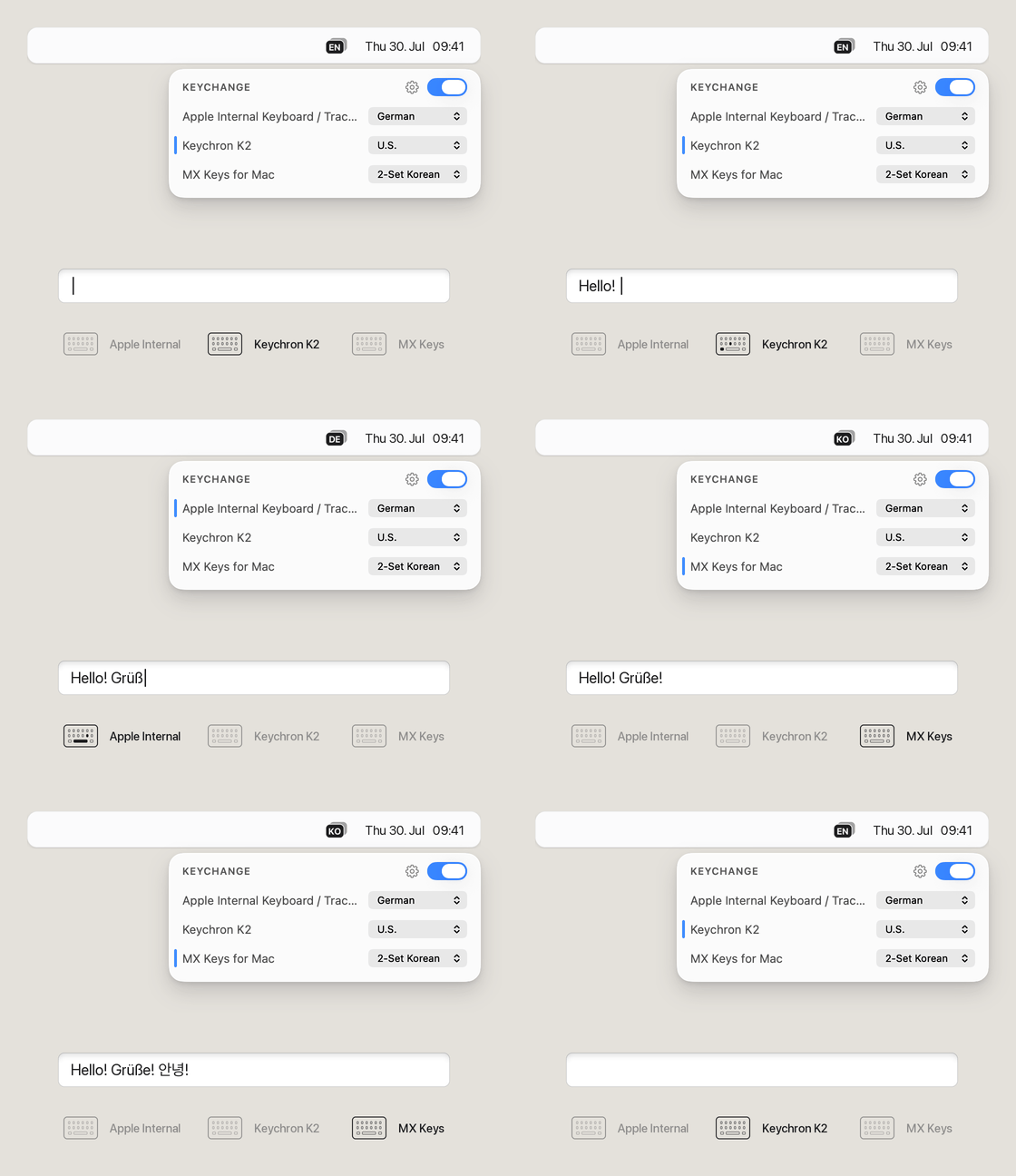
but never per keyboard. Keychange
adds the missing option: assign a layout to each keyboard, and the system follows whichever
one you’re typing on.
02
Switching becomes automatic
After launch, Keychange changes the input source for you the moment you go from one
keyboard to another — reach for the external keyboard and what you type no longer comes
out in the wrong language. Set it to start at login and it’s always there.